基于 docker 搭建 nginx 1.24.x
拉取镜像
1 | docker pull nginx:1.24.0 |
将配置文件拷贝出来一份,用于映射
1 | 启动一个临时容器(退出就会销毁掉) |
【观点】该容器默认把 access.log 打印到 stdout(标准输出),把 error.log 打印到 stderr(标准错误),都可通过 docker logs 看到
往
2
3
4
5
6
7
8
9
10
11
12
13
14
15
16
17
lrwxrwxrwx 1 root root 11 Apr 10 2024 access.log -> /dev/stdout
lrwxrwxrwx 1 root root 11 Apr 10 2024 error.log -> /dev/stderr
root@bb93d2e6bd46:/var/log/nginx# ls -alh /dev/stdout
lrwxrwxrwx 1 root root 15 Oct 24 13:54 /dev/stdout -> /proc/self/fd/1
root@bb93d2e6bd46:/var/log/nginx# ls -alh /proc/self/fd/1
lrwx------ 1 root root 64 Oct 24 13:57 /proc/self/fd/1 -> /dev/pts/0
root@bb93d2e6bd46:/var/log/nginx# ls -alh /dev/pts/0
crw--w---- 1 root tty 136, 0 Oct 24 13:57 /dev/pts/0
root@bb93d2e6bd46:/var/log/nginx# ls -alh /dev/stderr
lrwxrwxrwx 1 root root 15 Oct 24 13:54 /dev/stderr -> /proc/self/fd/2
root@bb93d2e6bd46:/var/log/nginx# ls -alh /proc/self/fd/2
lrwx------ 1 root root 64 Oct 24 13:57 /proc/self/fd/2 -> /dev/pts/0
root@bb93d2e6bd46:/var/log/nginx# ls -alh /dev/pts/0
crw--w---- 1 root tty 136, 0 Oct 24 13:57 /dev/pts/0/dev/pts/0这样的伪终端文件中写入数据,通常会直接显示在对应的终端会话窗口中
启动容器
1 | docker run --name nginx \ |
【提示】对应的
docker-compose.yml文件
2
3
4
5
6
7
8
9
10
11
12
13
nginx:
image: nginx:1.24.0
container_name: nginx
restart: unless-stopped
network_mode: host
environment:
- TZ=Asia/Shanghai
- LANG=C.UTF-8
volumes:
- ./nginx/nginx.conf:/etc/nginx/nginx.conf
- ./nginx/conf.d/:/etc/nginx/conf.d/
- ./nginx/html/:/usr/share/nginx/html/
测试
访问部署容器的操作系统的IP对应的80端口即可,比如我这里:http://192.168.233.36/
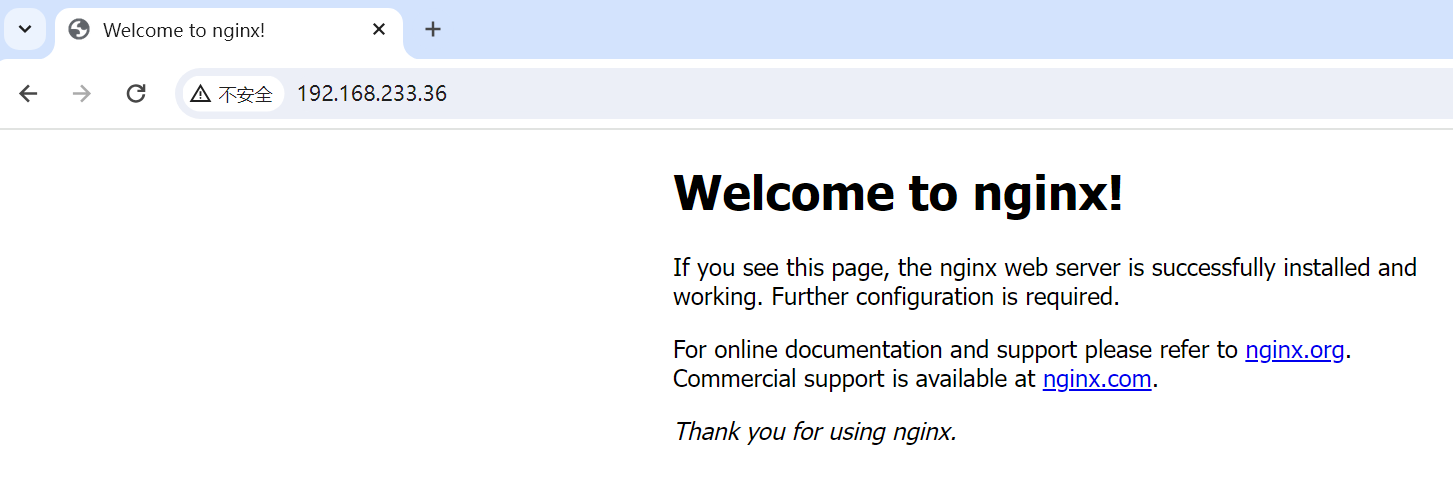
后续部署只需要将前端代码放在 ./nginx/html/ 目录下,然后在配置文件配置好映射关系即可
PS. 值得注意的是,使用 /usr/share/nginx/html/ 加上你部署的前端项目的目录,而不是 ./nginx/html/ 这个目录。因为在容器里边看,你其实部署到了 /usr/share/nginx/html/ 目录下!!!